
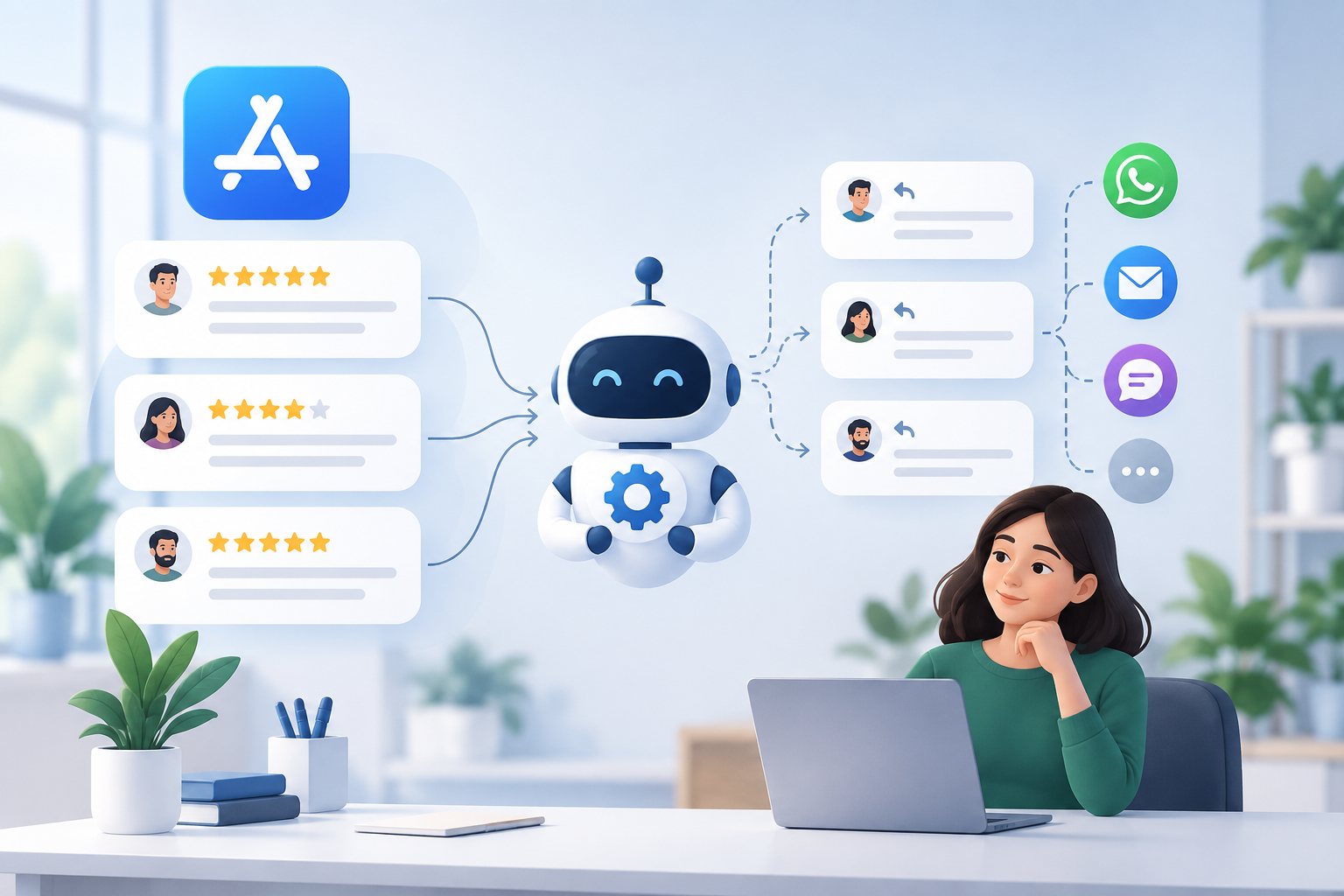
Automating Apple App Store review replies means connecting App Store Connect to a centralized system that surfaces new reviews, routes them to the right team, and lets agents respond from one screen — without sharing raw developer credentials or breaking Apple's terms. Done right, it turns scattered star ratings into a manageable support channel.
Why Apple App Store Reviews Need a Centralized Response Strategy
App Store reviews are public, permanent, and read by prospective users before they download. A single unanswered 1-star review about a bug you fixed two versions ago still hurts conversion today. Most teams miss this because reviews live in App Store Connect — a tool built for release management, not customer support — and nobody owns the daily habit of checking it.
The fix isn't hiring someone to babysit App Store Connect. It's pulling reviews into the same place your team already handles WhatsApp, email, and social — an omnichannel inbox — so review response becomes part of the existing support rhythm instead of a separate chore.
How Auto Review App Store Tools Work Without Exposing Credentials
A proper auto review app store setup uses Apple's official App Store Connect API with scoped, revocable API keys — not your Apple ID and password. The integration authenticates with a key that has read/write access limited to Ratings and Reviews, nothing else. This matters for two reasons:
- Security: if the integration is ever compromised, you revoke one key instead of resetting your whole developer account.
- Auditability: every reply sent through the API is tied to a specific credential, so you know exactly which system or team posted it.
Any tool asking for your full Apple ID login to "automate" reviews is a red flag. Legitimate app store bot review workflows authenticate through Apple's supported API scopes, respect rate limits, and never store your master credentials in plaintext.
Setting Up an App Store Bot Review Workflow Step by Step
- Generate a scoped API key in App Store Connect under Users and Access, limited to the Ratings and Reviews role.
- Connect the key to your engagement platform so new reviews sync automatically instead of requiring manual checks.
- Set routing rules — for example, 1-2 star reviews go to a senior support agent, 4-5 star reviews route to a lighter-touch queue or auto-acknowledgment.
- Draft reply templates for common themes (bugs, billing, feature requests) but require a human to personalize before sending — full auto-send on public reviews is risky without review.
- Set an SLA — most teams aim to reply within 24-48 hours; reviews replied to quickly show a visibly more responsive brand to future readers.
This is the core of the app store reviews workflow: reviews become tickets, not scattered notifications.
Connecting App Store Reviews to Your Omnichannel Inbox
Once reviews flow into your platform, treat them like any other support channel. Assign them to agents, tag by topic, and track resolution time alongside WhatsApp, email, and social tickets in the same omnichannel inbox. This is where centralization pays off: an agent handling a WhatsApp billing complaint can see the same customer left a related App Store review, and respond with context instead of a generic template.
CRM and ticketing data tie the two together — a review flagged as a bug report can trigger the same escalation path as a support ticket, so engineering sees it without someone manually forwarding a screenshot.
Best Practices for Automated Review Replies That Stay Compliant

- Never auto-post without review for anything below a neutral rating — a bad automated reply can do more damage than no reply.
- Stay within Apple's guidelines on developer responses; keep replies factual, avoid promotional language, and don't ask users to change their rating in exchange for support.
- Personalize the first line — templates are fine for structure, but a reply that clearly ignores what the reviewer said reads as automated in the worst way.
- Close the loop when possible — if a fix ships, a short follow-up reply referencing the original complaint shows active maintenance.
- Keep a human in the loop for anything involving refunds, legal threats, or accusations — automation should triage, not resolve, sensitive cases.
Measuring the Impact of Centralized App Store Review Management
Track three numbers monthly: average reply time, percentage of reviews replied to, and rating trend over the same period. Teams that move from ad hoc checking to a routed, SLA-driven workflow typically see reply time drop from days to hours simply because reviews stop getting lost in a tool nobody opens daily. Pair this with automation rules that flag repeat complaint themes — that data is often more useful to product teams than a support dashboard.
How mobitech Fits
mobitech.ai's omnichannel inbox brings Apple App Store reviews into the same queue as WhatsApp, email, and social, using scoped App Store Connect API access — not shared logins. Reviews route through the same automation, CRM, and ticketing layer already handling your other channels, so agents reply with full customer context instead of switching tools. AI agents can draft first-pass responses for human approval, and digital ads integration helps correlate review sentiment with campaign spikes. See the app store reviews module for setup details, and check /pricing for plan options.
Get Started
If App Store reviews are currently someone's side task instead of a tracked channel, that's the gap to close first. Start a trial and connect your App Store Connect account to see reviews land in the same inbox as everything else.