
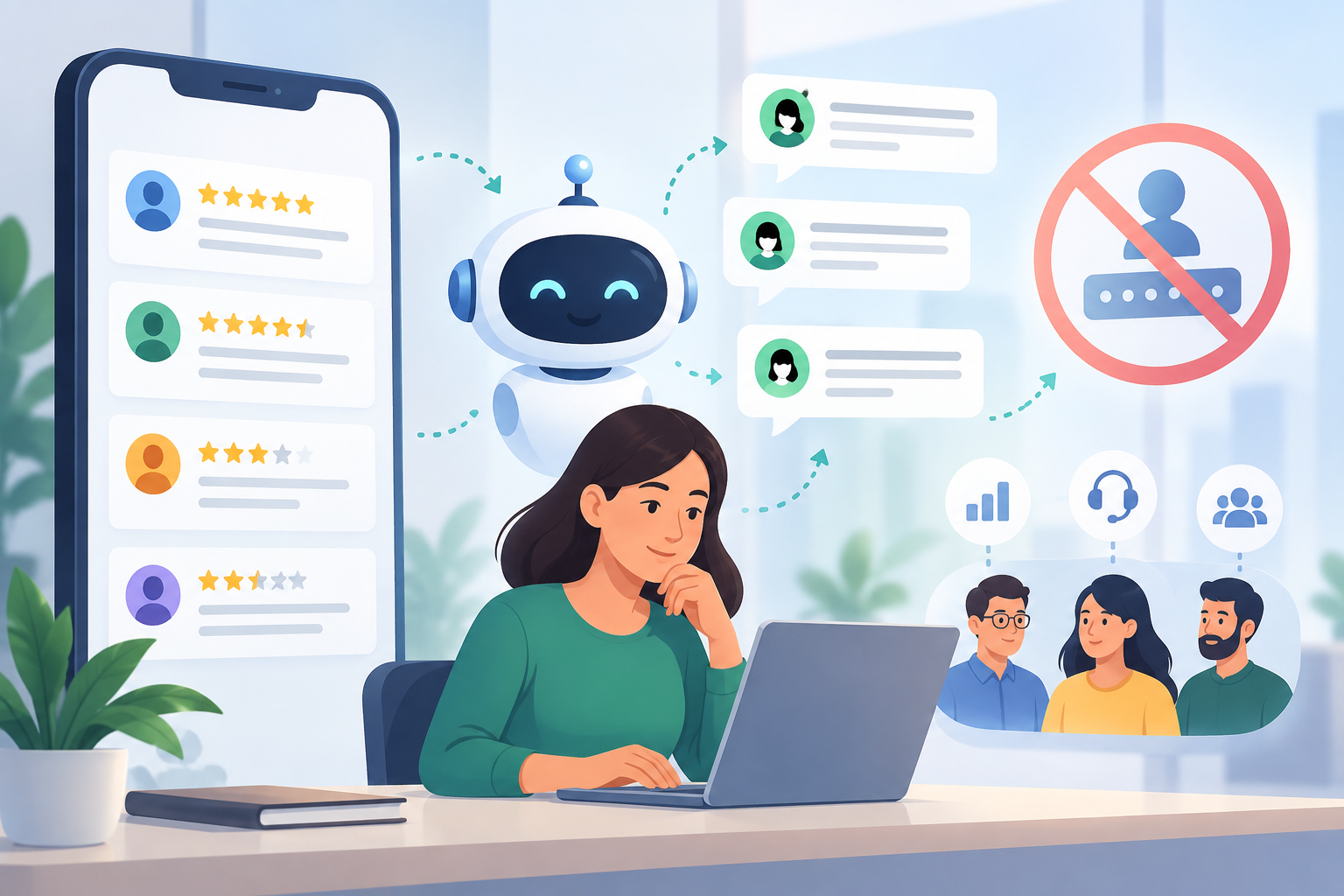
Auto reply for Play Store reviews means responding to app reviews fast and consistently, without every team member logging into the same Google Play Console account. Most apps lose review-response speed because credential sharing is risky, native tools don't centralize replies, and no one owns the queue. Fixing this needs a layer between your reviews and your team — not a shared password.
Why Timely Replies to Play Store Reviews Matter for App Ranking and Trust
Google's algorithm and prospective users both read review responses as a trust signal. A 1-star review with no reply looks abandoned. The same review with a fast, helpful reply — especially one that fixes the issue or points to a solution — often gets edited upward by the reviewer. Play Store review responses also show up in App Store Optimization audits: apps that reply consistently tend to hold higher average ratings over time because unresolved complaints get addressed before they compound.
Speed matters more than most teams assume. A review sitting unanswered for two weeks reads very differently to a prospective downloader than one answered within a day. Support and marketing teams that treat reviews like tickets — not like a chore — see measurably better retention of their star rating.
The Problem With Native Play Store Reply Tools: Shared Logins and No Centralization
Google Play Console lets you reply to reviews, but only through the account tied to your developer profile. That creates three real problems for growing teams:
- Shared credentials. Every support agent who needs to reply either shares one login or gets full console access — including build management, pricing, and app distribution controls they don't need.
- No queue, no assignment. The console shows reviews in a list, not a routable queue. There's no way to assign a review to a specific agent, track response time, or see which reviews are still open.
- No cross-channel context. A user who left a 2-star Play Store review might also have messaged your WhatsApp support line about the same bug. Native tools don't connect the two, so agents reply blind.
This is the same structural gap teams hit with App Store reviews on iOS — one login, one inbox, no separation of duties.
How to Set Up Centralized Auto Reply for Play Store Reviews Without Sharing Credentials
The fix is to connect your Play Store reviews to a centralized inbox via API, so replies flow through a platform layer instead of a shared console login.
Connect via API, not password sharing. Link your Play Console through Google's official Reviews API so the connection is scoped to review access only — not full app management.
Route reviews into a shared inbox. Once connected, reviews should appear in the same queue your team already uses for other channels, tagged by rating, keyword, or app version.
Set auto reply rules for common patterns. Configure templated auto replies for predictable review types — thank-you replies for 5-star reviews, acknowledgment replies for bug reports, and escalation triggers for reviews mentioning refunds or crashes.
Assign ownership. Each review gets an owner and a status (open, replied, escalated) so nothing sits untouched.
This approach is detailed further on our Google Play reviews page, including how the API connection is scoped.
Writing Effective Auto Reply Templates for Different Review Types
 Auto reply doesn't mean generic reply. Templates should branch by review type:
- 5-star, no text complaint: Short thank-you, no ask, maybe a soft nudge toward a feature they might not know about.
- 3-4 star with a specific gripe: Acknowledge the specific issue by name, state what's being done, and give a channel to follow up (not just "contact support" — a real link or number).
- 1-2 star bug reports: Apologize, confirm the version/device combo is logged, and commit to a timeline if you have one. Avoid defensive language.
- Reviews mentioning pricing or refunds: Route straight to a human — auto reply here should acknowledge receipt and escalate, not attempt to resolve.
Keep templates short. A Play Store review reply is public — it's read by every future downloader, not just the reviewer. Treat it like a mini support statement, not a private ticket note.
Giving Team Members Controlled Access Without Compromising Security
Centralizing review access should reduce risk, not increase it. That means:
- Role-based permissions — support agents reply to reviews; only admins can change auto reply rules or disconnect the integration.
- Audit trail — every reply, whether auto-sent or manual, should log who (or what rule) sent it and when.
- No console access required — agents never need Play Console login credentials at all once the API connection is set up.
This is the core reason to move off native tools even for small teams: one compromised shared password shouldn't put your entire app listing at risk.
How Mobitech.ai Centralizes App Review Replies Alongside Your Other Channels
mobitech.ai connects Google Play reviews and App Store reviews into the same omnichannel inbox used for WhatsApp Business API conversations, so a support lead can see a user's app review next to their WhatsApp thread, ticket history, and CRM record — without switching tools or sharing console logins.
Reviews route into the same ticketing and automation layer as every other channel. AI agents can draft first-pass replies for common patterns (thank-yous, bug acknowledgments), which agents approve or edit before sending, keeping tone consistent without losing the human check on sensitive reviews. Automation rules handle assignment and escalation — a 1-star review mentioning "crash" or "refund" gets flagged and routed to a specific queue automatically.
Because reviews sit in the same CRM as your other customer engagement data, a support manager can also see whether a reviewer is a high-value customer via other channels before deciding how to respond. Pricing details for connecting review channels alongside WhatsApp, broadcast, and ads integration are on the pricing page.
If your team is still juggling a shared Play Console login and a spreadsheet to track who replied to what, that's the exact gap this setup closes.
Ready to stop sharing your Play Store login? Start a trial and connect your Google Play reviews to a centralized inbox in under a day.