

A website live chat widget is a chat box embedded on your site that lets visitors message your business in real time instead of filling a form and waiting. The best widgets do more than chat — they answer with AI 24/7, route conversations to the right team member, and sync every interaction with WhatsApp and your CRM so a website visitor becomes a tracked customer record, not a one-off ticket.
What Is a Website Live Chat Widget and Why Your Site Needs One
A live chat widget is the small chat bubble in the corner of a website. Visitors click it, type a question, and get a reply without leaving the page. It exists because forms and "contact us" emails leak intent — a visitor with a question right now won't wait 24 hours for a reply. They'll bounce to a competitor.
For business owners, the case is simple: website visitors who chat convert at higher rates than those who don't, because you're answering objections at the exact moment of interest. For support managers, a widget centralizes pre-sale and post-sale questions in one place instead of scattering them across email and phone.
The catch is that most basic widgets are dumb boxes — they collect a message and email it to someone, with no automation, no routing, and no memory of who the visitor is. That's where the gap between a "chat widget" and an omnichannel web chat platform shows up.
Key Features: AI Live Chat Agents That Answer Visitors 24/7
A modern widget should handle the bulk of questions without a human on standby. AI live chat agents read incoming messages, answer FAQs (pricing, hours, product details, order status), and only escalate to a human when the query needs judgment or approval. This matters most outside business hours and during traffic spikes — an AI agent doesn't clock out.
What separates a functional AI agent from a scripted bot:
- It understands intent, not just keywords, so it can handle variations of the same question.
- It knows when to stop — clean handoff to a human agent with full chat context, not a cold transfer.
- It can pull answers from your existing knowledge base or CRM data instead of giving generic replies.
No-Code Website Chat Embed: Installing the Widget in Minutes
Installing a chat widget should not require a developer sprint. A no-code embed is typically a single script tag pasted into your site's header, or a plugin for platforms like WordPress, Shopify, or Webflow. Once live, you configure the widget's appearance, welcome message, and business hours from a dashboard — no code touched again.
What to check before you commit to a widget:
- Does it load asynchronously so it doesn't slow down your site?
- Can non-technical staff update greeting messages and routing rules themselves?
- Does the same embed work across subdomains and mobile web without separate setup?
If your team is choosing between platforms, speed of install is a fair proxy for how much ongoing engineering effort the vendor will demand from you later.
From Omnichannel Web Chat to Shared Inbox: Routing Conversations to Your Team
A widget in isolation creates a new silo. The fix is routing every chat into a shared inbox alongside WhatsApp, email, and social messages, so agents work from one queue instead of switching tabs. Omnichannel web chat means the widget is one input channel feeding a single conversation system — not a separate tool your team has to babysit.
Routing logic that actually reduces response time:
- Auto-assign chats based on agent load, skill tag, or department (sales vs. support).
- Escalate unanswered chats after a set wait time instead of letting them sit.
- Give supervisors visibility into open, pending, and resolved conversations across every channel at once.
This is the difference between "we have a chat widget" and "we run one support operation across every channel."
Syncing Chat History With WhatsApp and Your CRM for Visitor-to-Customer Tracking
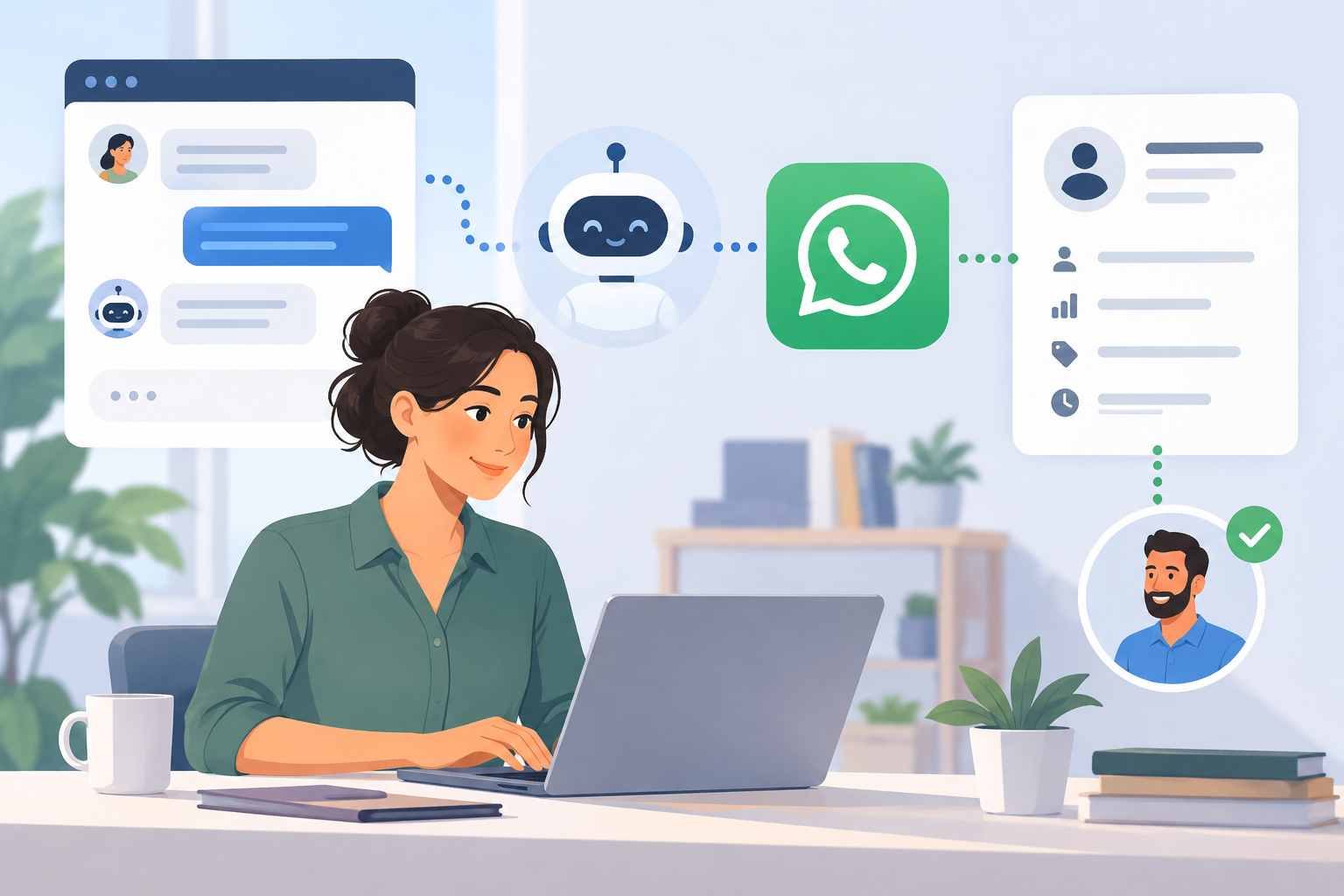 A website chat is often the first touch. The value compounds when that first touch is captured, not lost the moment the visitor closes the tab. Syncing chat history means a visitor who chats on your site, then later messages you on WhatsApp, is recognized as the same contact with one continuous conversation history — not two disconnected threads.
This is core to visitor-to-customer tracking:
- Every widget conversation logs to a CRM record automatically, with source, timestamp, and transcript.
- Sales and support can see prior website questions before replying on WhatsApp, instead of asking the customer to repeat themselves.
- Marketing can attribute conversions back to specific chat interactions, not just "organic traffic."
Done right, this closes the loop from anonymous visitor to identified lead to paying customer, without manual data entry.
Choosing the Right Live Chat Widget for Your Business
Match the widget to how your team actually operates, not to the longest feature list. If most of your customer conversations already happen on WhatsApp, a widget that funnels website chats into the same inbox and CRM as your WhatsApp Business API traffic will save your team from managing two separate systems. If your volume is low, a lighter setup with AI answering routine questions and a human backstop may be enough.
Ask any vendor:
- Does the widget connect to WhatsApp, or does it live in its own silo?
- Is CRM sync automatic, or does someone have to export and import contacts?
- Can non-technical staff install and configure it without engineering help?
How mobitech Fits
mobitech.ai's chat widget plugs directly into the same omnichannel inbox that handles WhatsApp, so a website chat and a WhatsApp message from the same customer land in one thread, not two. AI agents answer routine questions on the widget around the clock and hand off to a human with full context when needed. Conversations, contact details, and chat history sync automatically to the built-in CRM — no manual export-import — giving you real visitor-to-customer tracking instead of disconnected chat logs. Because it runs on the same WhatsApp CRM foundation as ticketing, automation, and broadcast, your team works from one inbox regardless of where the conversation started. Installation is a no-code embed, so support managers can get live chat running without pulling in a developer.
See current plans on pricing before you commit.
Ready to Add Live Chat That Actually Connects to WhatsApp?
If your website visitors and WhatsApp customers deserve one continuous conversation instead of two disconnected inboxes, start a trial and get the widget live on your site today.